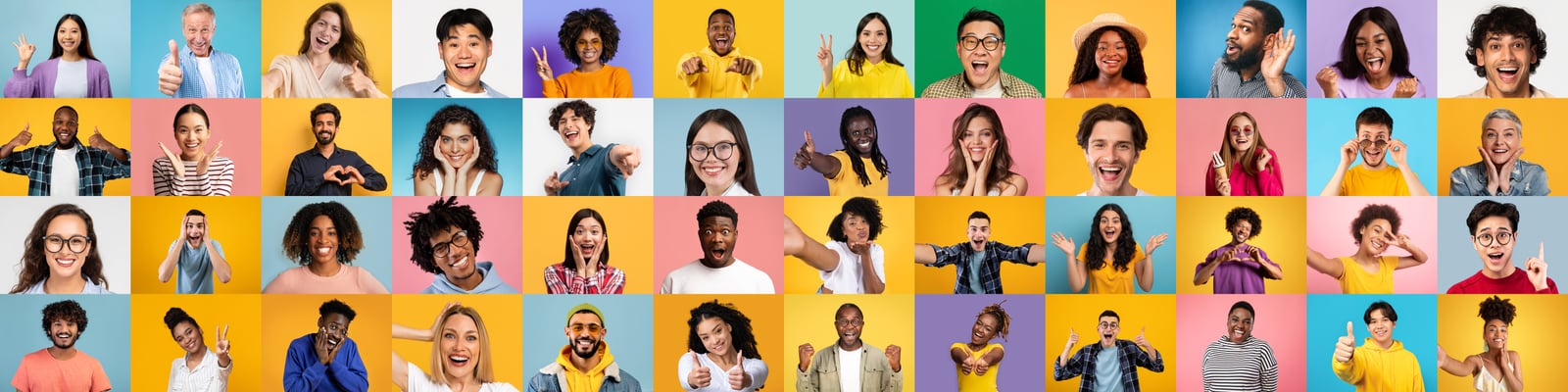
Creating a personal photo montage is a beautiful way to preserve memories and tell a story through images. It combines creativity with technical skills to produce a visual narrative that resonates emotionally. Whether for a special event, a gift, or personal reflection, designing photo montages requires thoughtful planning and artistic flair. This guide will walk you through the essential steps and tips to craft stunning montages that capture the essence of your moments.
Understanding How to Design Photo Montages
Designing photo montages is more than just placing pictures side by side. It involves selecting images that complement each other, arranging them harmoniously, and adding elements that enhance the overall story. Start by gathering your photos and deciding on a theme or message. This could be a timeline of events, a celebration of a person, or a visual poem of a place.
Key considerations when designing photo montages:
- Image Selection: Choose photos with good resolution and emotional significance.
- Color Palette: Maintain a consistent color scheme to unify the montage.
- Layout: Use grids, overlapping images, or creative shapes to add interest.
- Balance: Distribute visual weight evenly to avoid clutter.
- Text and Graphics: Add captions or decorative elements sparingly to support the story.
For example, if you are creating a montage for a birthday, include photos from different years, highlighting growth and milestones. Use warm colors and playful fonts to evoke joy.
Tools and Techniques to Enhance Your Design Photo Montages
Once you have a clear concept, the next step is to use the right tools and techniques to bring your vision to life. There are many software options available, from beginner-friendly apps to professional-grade programs.
Popular tools include:
- Canva: Great for beginners with drag-and-drop features and templates.
- Adobe Photoshop: Offers advanced editing and layering capabilities.
- Fotor: Easy to use with collage and montage templates.
- PicMonkey: Good for adding effects and text overlays.
Techniques to consider:
- Layering: Overlap images with varying opacity to create depth.
- Blending Modes: Use blending options to merge photos seamlessly.
- Borders and Frames: Add subtle borders to separate images.
- Filters: Apply consistent filters to unify the look.
- Cropping: Focus on important details by cropping out distractions.
For instance, using Photoshop’s layer masks allows you to blend photos smoothly, creating a natural transition between images. Meanwhile, Canva’s templates can speed up the process if you need a quick yet polished result.
Crafting a Story Through Your Montage
A successful photo montage tells a story that connects with viewers emotionally. Think about the narrative you want to convey and arrange your images accordingly. Start with an introduction, build up to a climax, and finish with a memorable ending.
Tips for storytelling in montages:
- Chronological Order: Show progression over time.
- Thematic Grouping: Cluster images by theme or event.
- Highlight Key Moments: Use larger images or central placement.
- Use Captions: Brief text can provide context or evoke feelings.
- Incorporate Symbols: Add icons or graphics that relate to the story.
For example, a travel montage might begin with packing and departure photos, followed by highlights of destinations, and end with a sunset or farewell image. This structure guides the viewer through the experience.
Practical Tips for Printing and Sharing Your Montages
After designing your montage, consider how you want to share it. Digital sharing is convenient, but printed montages can be cherished keepsakes.
Printing tips:
- Use high-resolution images to avoid pixelation.
- Choose quality paper like matte or glossy photo paper.
- Consider size and format - posters, photo books, or canvas prints.
- Use professional printing services for the best results.
Sharing tips:
- Export your montage in common formats like JPEG or PNG.
- Share on social media or via email with a personalized message.
- Create slideshows or videos with music for dynamic presentations.
For example, a printed photo book makes a wonderful gift for family members, while a digital slideshow can be played at events or shared online.
Bringing Your Memories to Life with Photo Montages
Designing a personal photo montage is a rewarding creative process that transforms your memories into a visual masterpiece. By carefully selecting images, using the right tools, and telling a compelling story, you can create a montage that will be treasured for years.
If you want to explore professional options or get inspired, check out photo montages that showcase expert craftsmanship and unique styles.
Start your montage journey today and turn your photos into art that speaks from the heart.